The short answer
A good photo collage phone case uses one main image, two to four supporting images and enough visual separation for every important face to remain recognizable at phone size. Start with the exact device model, protect the camera and edge zones, and let background areas crop before faces or meaningful details. A collage is successful when the story is clear in one glance—not when every available photo has been included.
Choose a story before choosing photos
“Favorite photos” is too broad to guide a small composition. Give the case one sentence instead: three generations together, one year of a relationship, a child growing through four moments, or a weekend told from arrival to sunset. That sentence becomes an editing rule. When two images say the same thing, keep the one with cleaner light, clearer faces and more room around the subject.
Make the lead photo obvious. It may hold the strongest expression, the largest group or the moment you want to recognize first. Supporting photos can show a detail, a different time or a quieter interaction. If every photo is the same size, the eye has no reason to begin anywhere and the collage reads as a contact sheet rather than a designed object.
Use three to five images as a practical starting point
Three images make a strong vertical sequence: one large focal crop and two smaller supporting moments. Four can form an offset grid with one image spanning more space. Five works when at least two are simple detail shots or portraits with uncluttered backgrounds. Beyond that, the design needs unusually consistent source photos or a deliberate scrapbook language to avoid tiny, unreadable faces.
Do not judge only on a large monitor. Reduce the composition until it is roughly the size of your phone. If you can no longer identify a face or understand an important moment, that image is too small or too similar in value to its neighbors. Removing one photo often preserves more memory than keeping it as an indistinct thumbnail.
Build a hierarchy that survives the camera opening
The camera block is not empty space waiting to be covered. Its size and position change across phone models, so choose the model before making final crops. Place the main face, child's expression, pet's eyes or meaningful text away from the camera corner and outer trim. Open sky, a wall, clothing or another low-priority background can extend behind the camera zone without breaking the story.
CasePop Custom Studio updates the case proportion and camera opening for the selected model. Use that live preview as the final geometry, not a generic phone outline. The photo-resolution guide also explains why enlarging a small screenshot does not restore missing detail.
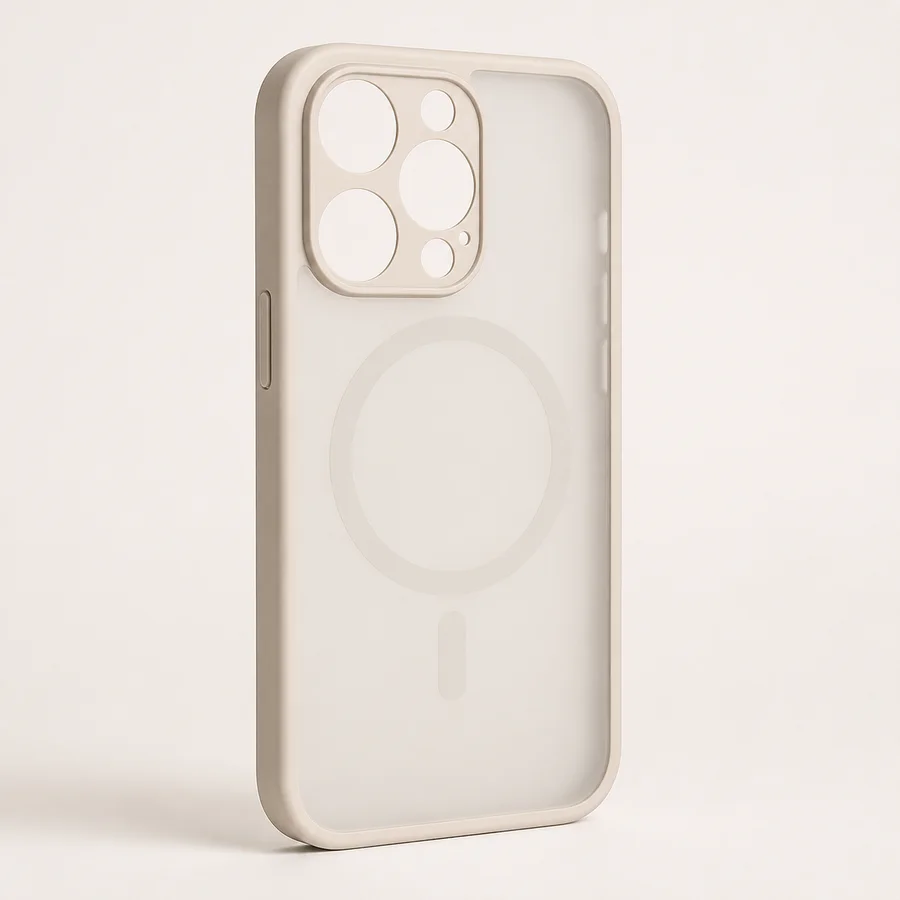
Matte AG Glass with MagSafe Compatibility
A low-shine ground can help several photographs read as one composed panel rather than separate glossy tiles.
Choose this finish →Connect different photos with one visual rule
Photos from different days rarely share the same light. You do not need to force them into an identical filter, but they need one relationship. Repeat a border width, use one background color between images, align important eye lines, or keep all crops either softly rounded or clean and rectangular. One consistent rule is enough to make varied moments feel collected.
Color is another useful editor. If one photo is much warmer, darker or more saturated than the others, let it become the focal image or reduce its visual weight. Avoid placing two high-contrast images beside each other while every quieter photo sits elsewhere; the composition will split into competing halves.
Decide whether the phone should show through
A clear finish can make the phone color part of the spacing between isolated photos. That works well with cutout portraits, small illustrations and compositions that intentionally leave breathing room. It is less predictable when every photograph has a different rectangular background, because the visible phone may create one more color field to manage.
A matte or opaque-looking ground is often easier for a full collage because it gives every image the same visual surface. A visible magnetic ring also becomes part of the layout on compatible finishes. Keep faces and text away from that circle, or use the circle as an intentional frame around a simple detail. For a broader comparison, read matte vs. clear phone cases for custom artwork.
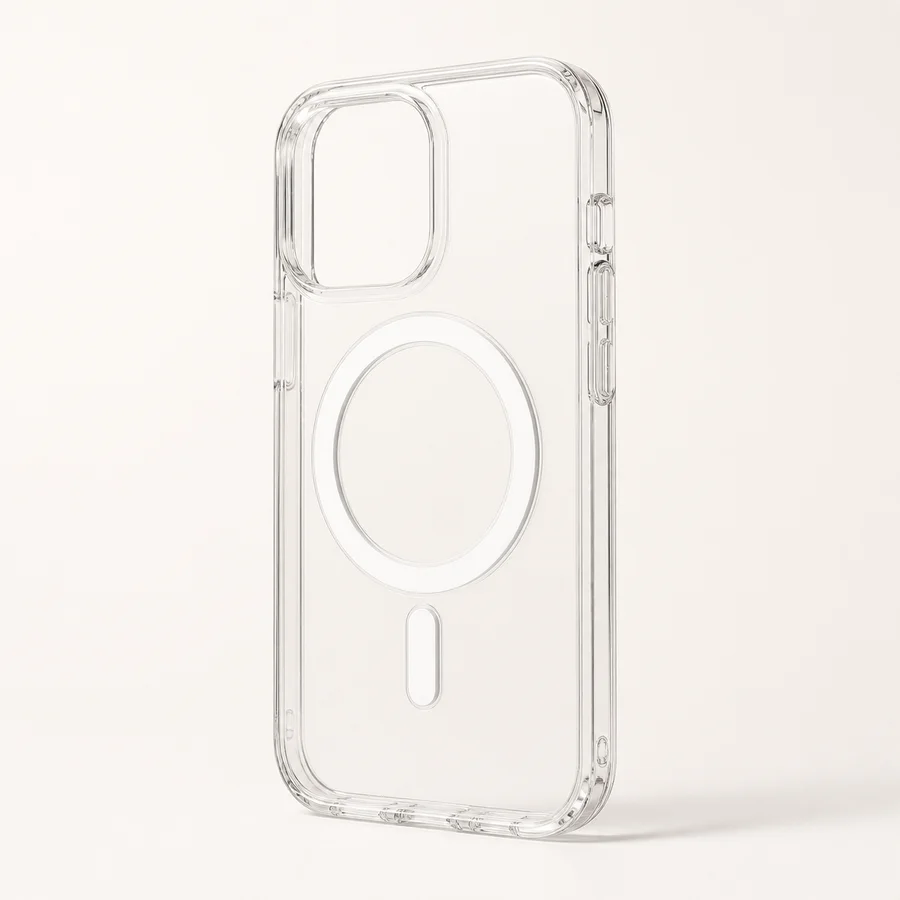
Clear Acrylic with MagSafe Compatibility
Best when transparent spacing is deliberate and the visible phone color and magnetic ring belong in the composition.
Choose this finish →Use Smart Arrange, manual control or Studio Arrange
Smart Arrange is useful when the uploaded image already contains the composition you want and needs a camera-safe full-bleed placement. Manual Adjust gives you direct control over crop, scale and rotation in the browser. The editor currently accepts one image at a time. Assemble a multi-photo collage in your preferred photo editor, export it as one PNG, JPG or WebP, then upload that file. Studio Arrange can help position the uploaded composition on the chosen case. If your photos have not been combined and you need help, contact support before ordering to discuss what is possible.
Keep the original image files rather than screenshots or copies downloaded from social media. Keep a current contact email on your order. For a question about combining multiple photos, email support@moodincase.com before placing the order; do not assume separate files have been attached through the single-image uploader. You can begin with the family photo case guide, couple photo case guide or the main CasePop Custom Studio. The submitted composition receives a human production check before fulfillment.
A five-minute preflight before ordering
Confirm the exact phone model, then look at the preview at phone size. Check that the lead image is obvious, every essential face is clear, no important feature falls under the camera opening, and the outermost crop can tolerate a small trim. Read any text aloud and verify its spelling. Finally, ask whether one image can be removed without weakening the story. If the answer is yes, simplify.
The designer's conclusion
A photo collage phone case should feel like a small editorial layout, not a storage folder. Give one memory the lead, let the others support it and design with the real device shape from the beginning. Fewer, clearer images usually create a case that is easier to recognize, easier to print and more meaningful to carry.
Questions about photo collage phone cases
How many photos should I put on a phone case collage?
Three to five photos usually leave enough room for one clear focal image and supporting moments. More can work when the images share a simple palette and do not all need equal attention.
What photo should be largest in a phone case collage?
Use the photo with the clearest face, strongest expression or most important memory as the largest image. Supporting photos should add context without competing at the same scale.
How do I keep faces away from the phone camera?
Choose the exact phone model before final placement, then keep faces, text and other essential details comfortably inside the live safe area. Use background or low-priority image edges near the camera opening.
Can CasePop arrange my collage for me?
Upload your finished collage as one image and choose Studio Arrange for help positioning it on the case. The editor currently accepts one image, not several separate photos. If you need help combining photos, contact support before ordering to discuss the layout.