Photo DIY
Turn a Handwritten Recipe Into a Phone Case
Photograph a recipe card clearly, choose what must stay readable and check the real phone-case editor before ordering.
THE JOURNAL
Start with the full phone-model name. Then explore the color, artwork and personal details that belong in your everyday.
Start with a personal image, drawing or memory. Check which details need room in the case preview.
Photo DIY
Photograph a recipe card clearly, choose what must stay readable and check the real phone-case editor before ordering.
Original artwork
Keep the character of your sketch while preparing its background, scale and camera-safe placement.
DIY studio note
A practical layout method for choosing, cropping and arranging personal photos around the camera and case edges.
Match the full phone-model name, camera opening and exact option before choosing a design.
Guest checkout
Order without a store password, keep the contact email accurate, and understand how order verification works.
Ordering choices
Choose a direct purchase for one selected option or collect separate designs and models in your bag. Check every line before paying.
Model check
Compare one landscape photo on iPhone 18 Pro and Pro Max, then recheck the camera guide and crop before ordering.
Photo DIY
Create matching artwork phone cases for two different models. Compare real editor previews, check each crop and order each $35 case as a separate design.
Buying guide
Hold model, catalog color and price constant, then compare an illustrated scene with a color-grid rhythm through exact CasePop options.
Fit guide
Confirm the full model name first, then compare color and artwork through exact CasePop product options.
Personalization guide
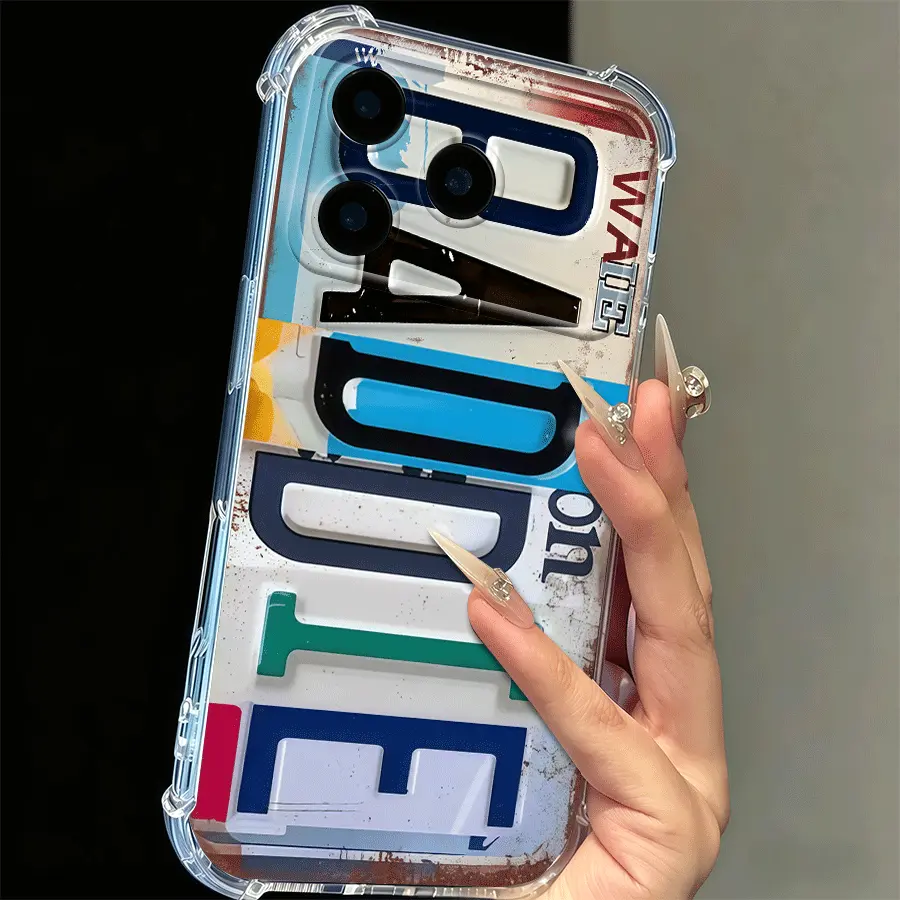
A personalized plate case has very little room for indecision. Choose lettering you can recognize at a glance, then use the emailed proof to check how it sits within the distressed collage.
Design study
A practical guide to contrast, negative space, camera clearance and three real CasePop DIY finishes.
Find a message, motif or color that feels right for the person carrying it.
Gift check
Confirm that she likes the word Mama, then compare three exact CasePop styles for the same phone model.
Buying guide
Compare a layered travel collage, an orderly landscape grid and one symbolic composition through exact CasePop options.
Typography study
Compare headline type, layered lettering and oversized wordmarks in three real CasePop message designs.
Design study
Compare open space, directional bouquets and limited-color flower artwork in three real CasePop designs.
Design study
Compare three ways animal artwork can lead a case, using real CasePop portraits, reef scenes and repeats.
Design study
A close read of focal size, repeats and camera clearance using three real CasePop designs.
Style guide
A practical color-and-outfit framework using the Baddie, Boombox and graphic edits.
Design notes
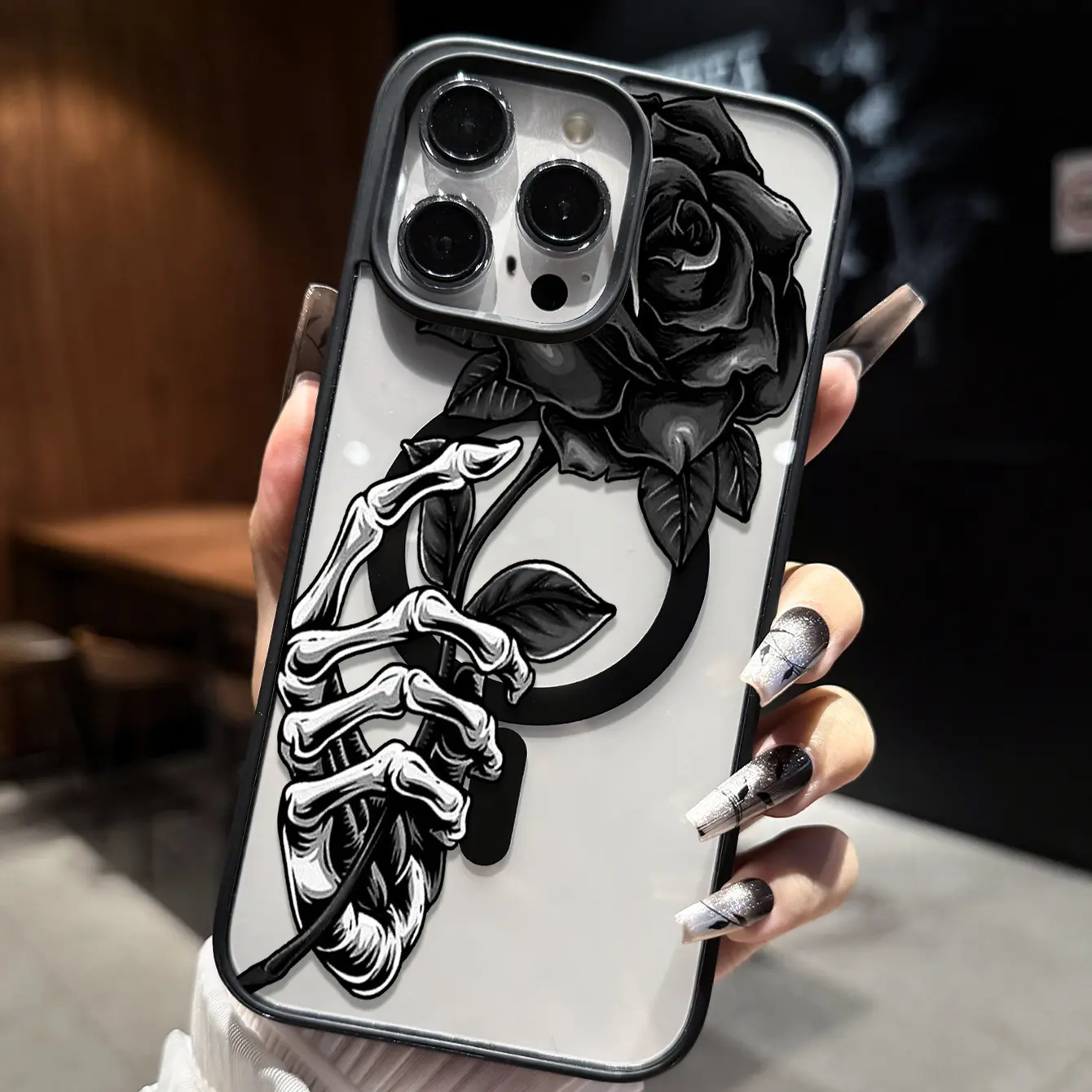
Black roses, skeleton hands and high contrast—decoded with real CasePop examples.
Gift guide
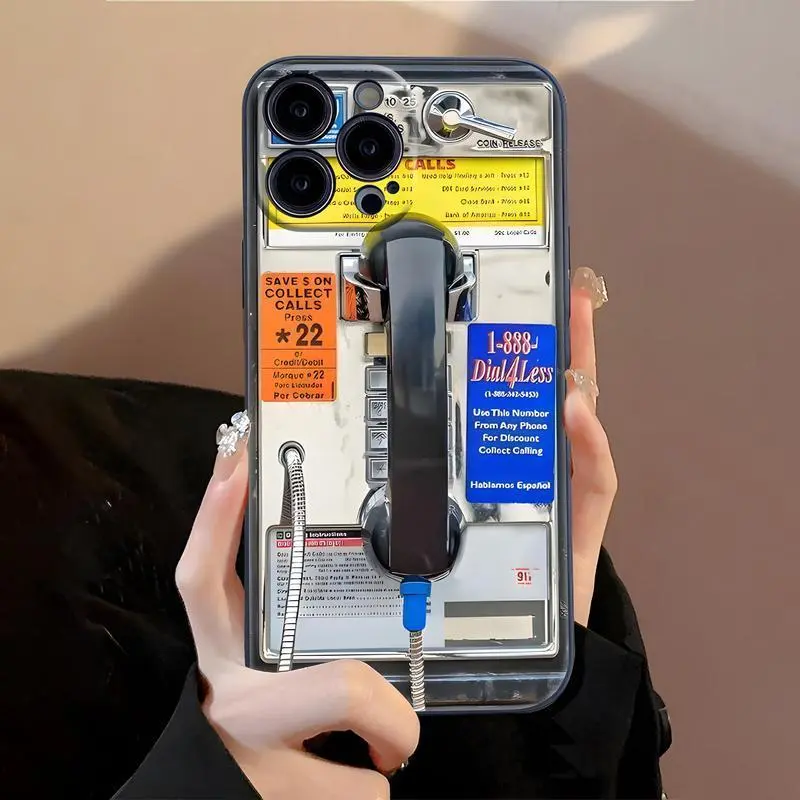
Choose between payphones, cassette decks and worn-in typography by personality.
Explore the latest notes that have not yet been added to a topic.
Policy check
Separate the one-time exchange promise from refund conditions, check when to contact support, and confirm your personalized case before paying.
iPad model check
Identify the exact generation, compare two real selector groups, and keep shell fit separate from your artwork preview.
Construction check
Compare two clear constructions at the current phone DIY price, keep the exact model fixed, and separate material descriptions from unverified performance claims.
Artwork preparation
Compare a warm paper-style background with a flat-white alternative, keep your original, and check the same model and layout in the CasePop editor.
Upload help
Keep your original iPhone photo, export a compatible copy, and check file size and detail before uploading it to the CasePop Custom Studio.
Explore these CasePop designs. Each link opens the model and color shown; change the selection to match your own phone before buying.